
Description, Artists & Media
Quick answer: Lead your description with the most exciting thing and keep paragraphs short. Buyers scan on mobile. Tag headliners in the Artists Lineup via Spotify; it links their profiles and can feed your event to Bandsintown.
Your event description, artist lineup, and banner image are what sell the experience to buyers browsing your event page. This article covers everything that goes into the content section of your event.
Event description
Your description appears on the event page below the event title, time, and location. It is your chance to tell buyers what the experience is like, who is performing, what to expect, and why they should come.
Writing tips
Lead with the most exciting thing about your event. Do not bury the headline.
Include practical details buyers always ask about: doors versus show time, dress code, age restrictions, and parking.
Keep paragraphs short. Buyers scan on mobile; they do not read walls of text.
Use line breaks to separate sections (lineup, schedule, venue details, policy notes).
Avoid copying and pasting from Word or Google Docs, as it can bring in hidden formatting. Type directly or paste as plain text.
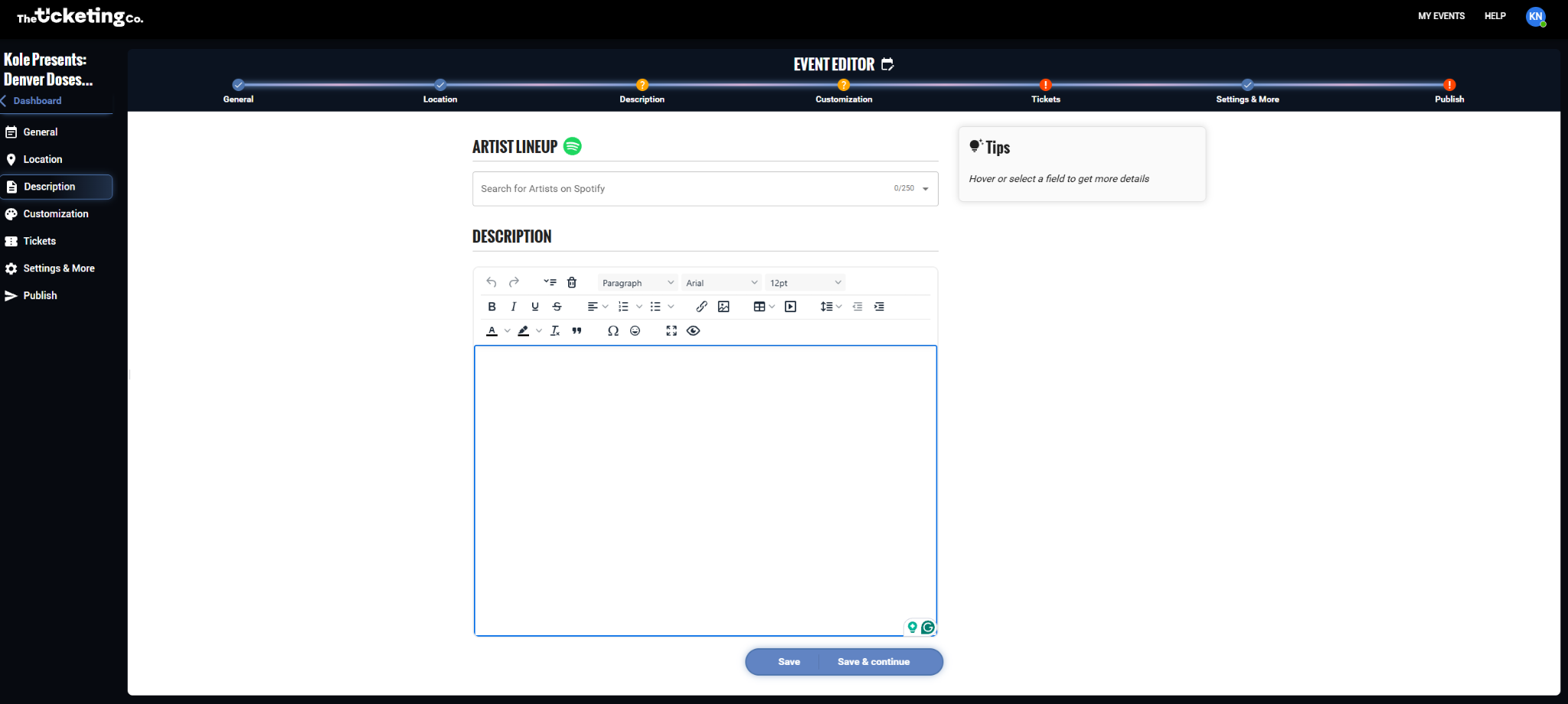
Event description editor
Artists and performers
The Artists Lineup section lets you tag the performers, DJs, and bands appearing at your event via Spotify. Tagged artists appear as clickable profiles on your event page, linking to their Spotify artist page. This feature connects to Bandsintown, which can make your event discoverable to the artist's fans.
Note Bandsintown pulls the feed rather than receiving it instantly, so listings do not appear straight away. The feed also excludes recurring, online, secret-location, and unlisted events, along with any event missing complete venue location data.
Artist set times
Each tagged artist can be given a day plus a start and end time. Set times are shown on your event page alongside the artist, so buyers can see who is playing when.
In the Artists section, start typing an artist name.
If the artist has a Spotify profile, they will appear in the dropdown. Select them. Note: very new or unsigned artists may not appear.
Tip When a tagged artist has a strong following on Spotify, your event may surface in recommendations for their fans on Bandsintown. Make sure your headliners are tagged correctly. It is one of the easiest free marketing wins available.
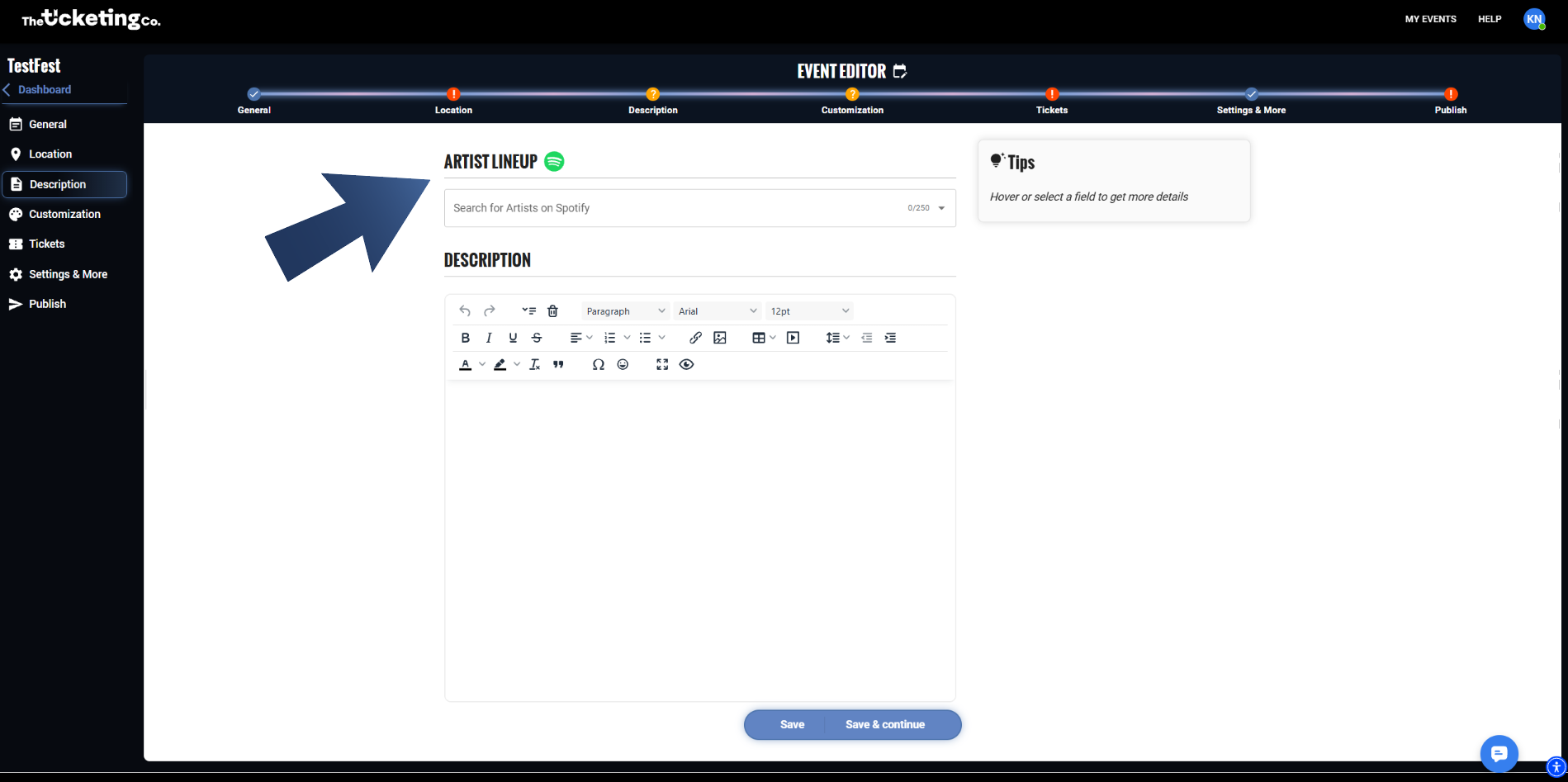
Artists Lineup: tagging performers via Spotify