
Creating Your Organizer Account
Quick answer: Sign up at theticketing.co/organizer-signup, verify your email, then create your organization. One account covers both buying tickets and organizing events.
To start selling tickets on The Ticketing Co., you need an organizer account. You can set it up at theticketing.co/organizer-signup.
Step 1: Go to the Organizer Signup page
Head to theticketing.co and click Host With Us in the top navigation, or go directly to theticketing.co/organizer-signup.
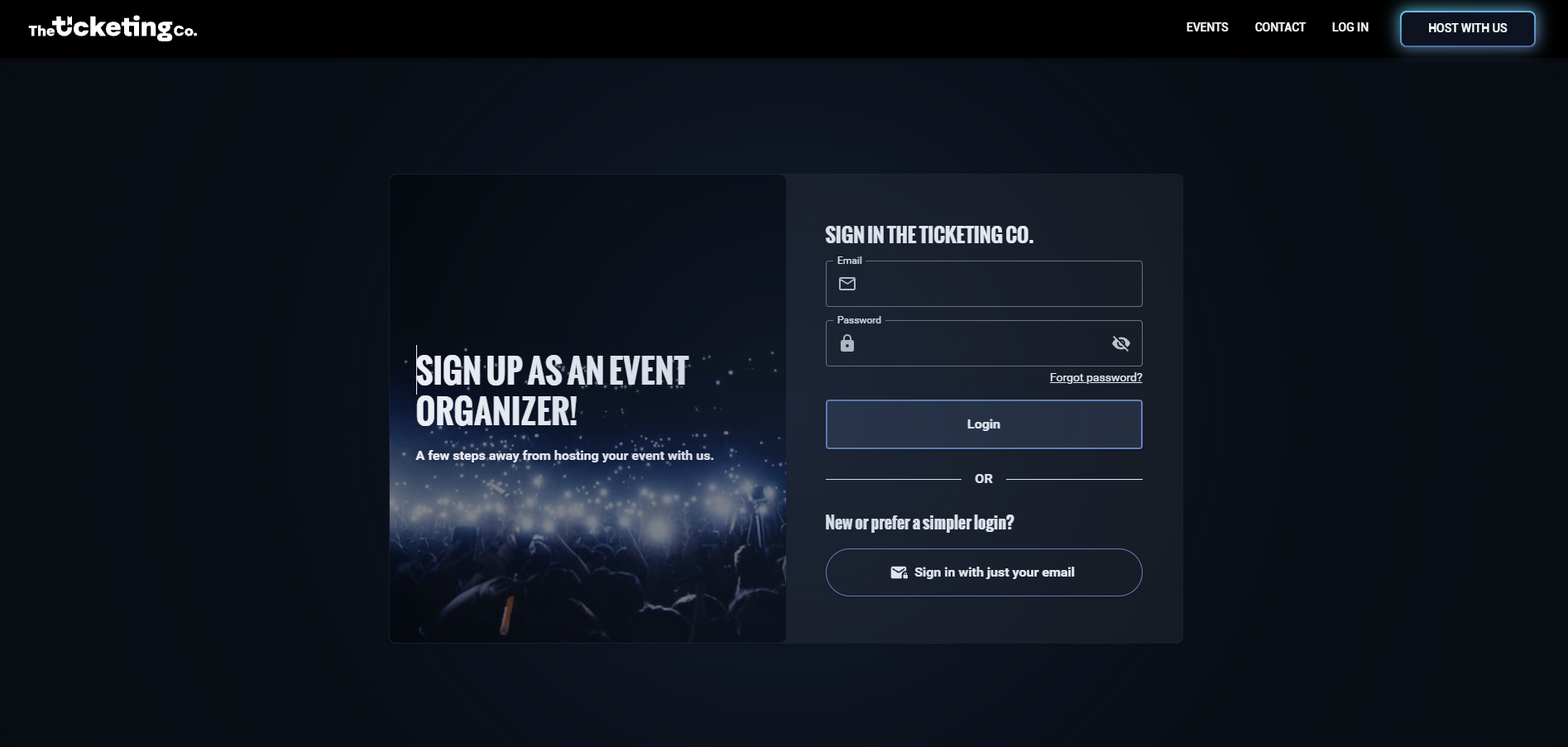
Organizer Signup page: sign in with email or password
Step 2: Create your account
You will be prompted to create a user account if you do not already have one. You can sign up using your email address and a password, or sign in with just your email using a one-time login code.
If you already have a buyer account on The Ticketing Co. with the same email address, you can use those credentials. Your existing account will be upgraded to include organizer access.
Note Your user account is the same account you use to buy tickets on The Ticketing Co. One account gives you both buyer and organizer access.
Step 3: Verify your email
After signing up, you will receive a verification email. Click the link in that email to confirm your address and unlock full access to your account and organizer dashboard.
Tip Cannot find the verification email? Check your spam or junk folder. The email comes from hello@theticketing.co. If you still cannot find it, log in and request a new verification email from your account settings.
Step 4: Create your organization
After verifying your email, you will be guided through creating your first organization. Your organization is your presence on The Ticketing Co. It is the name and profile that buyers see when they look up your events.
Enter your first name, last name, organization name, and cell phone number, then click Next.
Fill in your estimated number of events per year, where you heard about us, expected number of attendees per year, and type of events.
Accept the terms of service and privacy policy, then click Register.
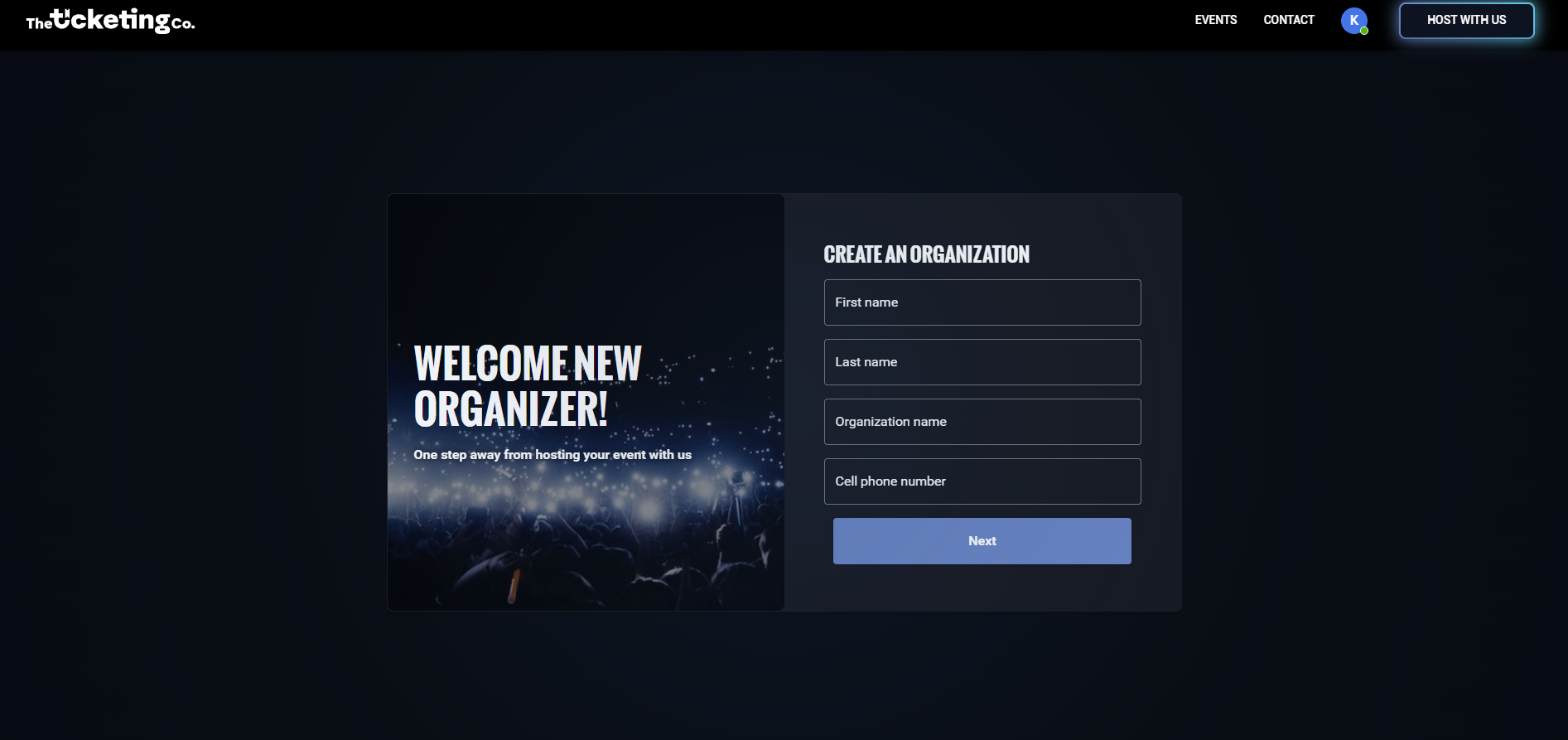
Create an Organization: Step 1: name and phone number
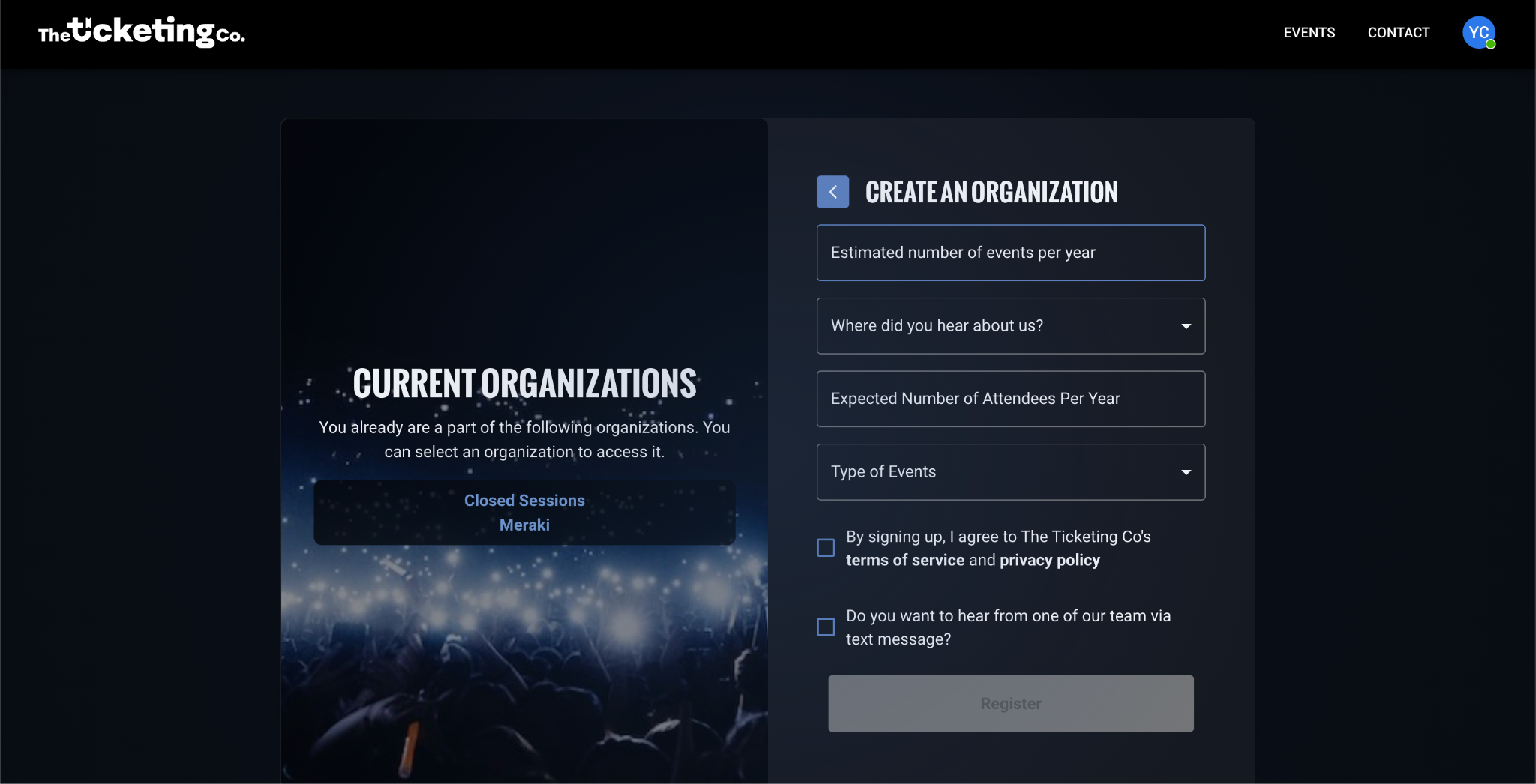
Step 2: event details and registration
Tip You can manage multiple organizations from one account. If you run events under different brands or for different clients, create separate organizations and switch between them from your dashboard.